Source: MarkTechPost
Claude Code started as a terminal coding assistant. It now runs as a layered agentic system. Underneath, Claude Code separates memory, hooks, skills, subagents, plugins, and MCP into distinct layers. Each layer changes what the model can see or do.
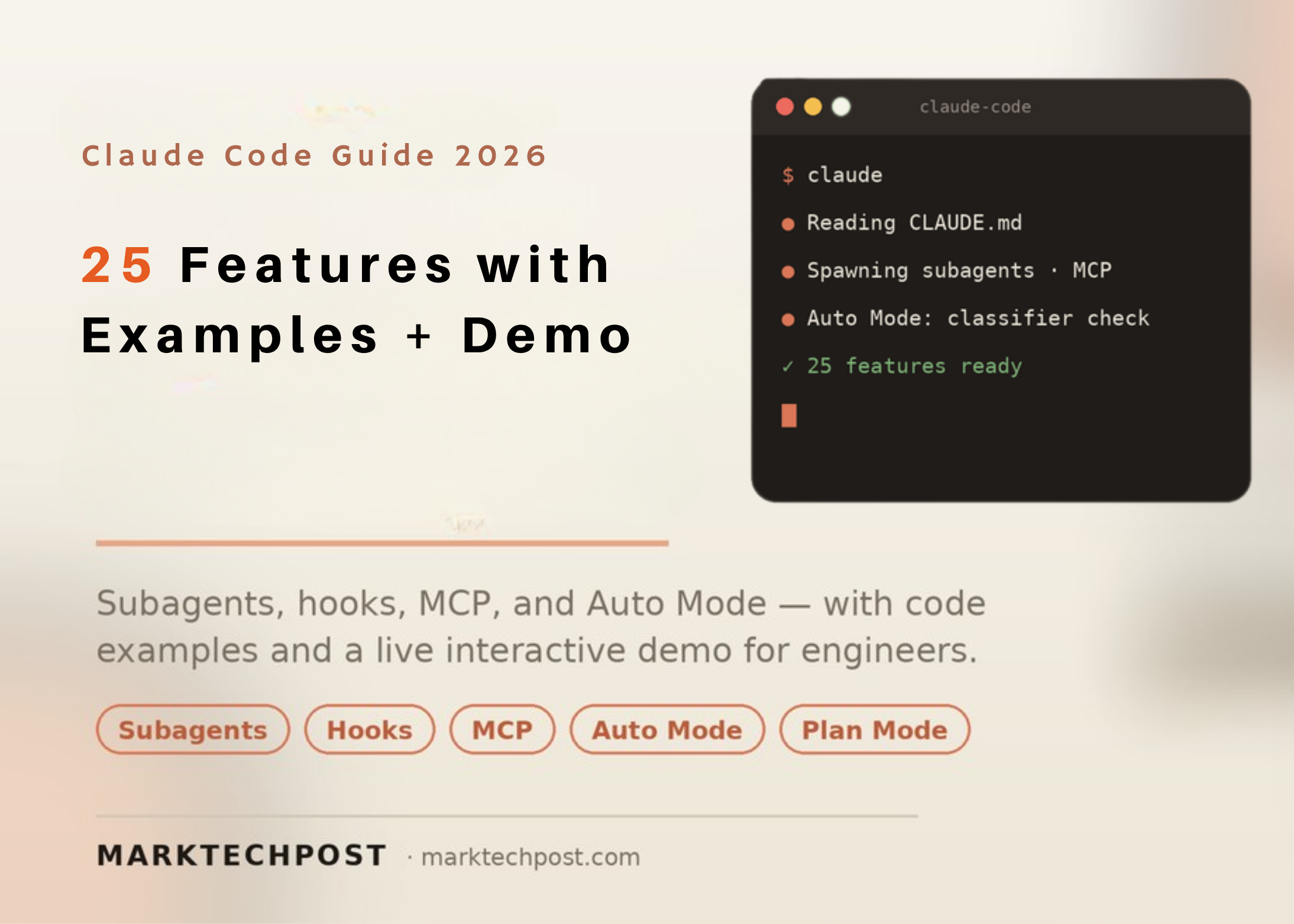
This article covers 25 features and strategies for scaling Claude Code. It is written for AI engineers, software engineers, and data scientists. Every code example follows a documented format and runs as written. Each item is labeled by status, so you know what ships with Claude Code and what does not.
What is Claude Code
Claude Code is Anthropic’s agentic coding tool. It works in the terminal, the desktop app, and your IDE. It can read files, run commands, edit code, and call external tools. Under the hood, it runs an agentic loop. That loop chooses tools, accumulates context, and manages long sessions through compaction.
Safety boundaries come from permission modes, checkpoints, sandboxing, and managed settings. The same loop is exposed programmatically through the Agent SDK. Developers extend the tool with a small set of primitives. Those primitives are CLAUDE.md, skills, subagents, slash commands, hooks, and MCP servers. Plugins bundle these primitives into one installable unit.
The 25 Features and Strategies
Each feature/strategy is labeled. ‘Official’ means documented Anthropic functionality. ‘Community technique’ means a workflow pattern, not a shipped feature. ‘Third-party tool’ means software built outside Anthropic.
- CLAUDE.md memory file (Official). This file is the agent’s constitution for your repository. Claude reads it every session to anchor conventions and commands.
- Skills (Official). A skill is a
SKILL.mdfile with frontmatter under.claude/skills/. It supports/ /nameinvocation and autonomous invocation by Claude. - Subagents (Official). Subagents are specialized instances with their own context windows. Verbose work stays isolated, so your main conversation stays focused.
- Slash commands (Official). These are typed shortcuts starting with
/. Built-ins include/init,/compact,/context,/review, and/security-review. - Hooks (Official). Hooks are deterministic scripts that fire at defined lifecycle points.
PreToolUseis the primary security checkpoint before any tool runs. - MCP servers (Official). Model Context Protocol connects Claude Code to GitHub, databases, and browsers. The server handles integration; Claude reasons about what to do.
- Plugins (Official). A plugin is a versioned bundle of skills, subagents, commands, hooks, and MCP definitions. One
/plugincommand installs the whole set. - Checkpoints (Official). Claude Code snapshots state automatically before changes. Press Escape twice to rewind when something breaks.
- Plan mode (Official). Plan mode explores and proposes without executing. It is ideal for scoping work before committing edits.
- Permission modes (Official). Default mode asks before each file write and shell command. Other modes trade oversight for speed.
- Auto Mode (Official, research preview). A separate Sonnet 4.6 classifier reviews each action first. Safe actions proceed; risky ones get blocked or escalated.
- Context compaction (Official).
/compactcondenses long sessions to preserve usable context./contextreports current context usage. - Background tasks (Official). Long shell commands run with the
run_in_backgroundflag on the Bash tool. Claude polls output without blocking the conversation. - Agent SDK (Official). The SDK exposes the same loop programmatically through
query(). You can send slash commands like/code-reviewand process results. - Headless CLI (Official).
claude -p "query"runs a one-shot process and exits. Piped input likecat logs.txt | claude -palso works. - GitHub Action and scheduled jobs (Official). Claude Code runs as a one-shot process without a TTY. This enables CI integration, scheduled jobs, and pre-commit hooks.
- Output styles and statusLine (Official). Output styles change response formatting. A custom statusLine renderer surfaces session state in the terminal.
- Remote Control and mobile push (Official). You can drive Claude Code from mobile or web surfaces. Claude can send push notifications when tasks finish.
- Away summary (Official). This session-level feature surfaces context when you return to a paused session. It is enabled by default and can be opted out.
- Sandboxing (Official). The sandboxed Bash tool enforces OS-level filesystem and network isolation. Commands run without prompts inside boundaries you define.
- Structured context folders (Community technique). Organize task-specific folders for brand guidelines, client data, or legal terminology. The right context loads for each task, improving output relevance.
- Dynamic workflows (Community technique). Break complex tasks into smaller steps using sub-agents. Common patterns include ‘classify and act’ and ‘fan out and synthesize.’
- Modular skill pipelines (Community technique). Chain reusable skills into end-to-end workflows. A support pipeline can combine categorization, response generation, and escalation skills.
- External memory layers (Third-party tool). Tools such as Mem Search or Hermes extend recall across long projects. They sit outside Claude Code’s built-in memory.
- Resilience techniques (Community technique). Practitioners reset and retry tasks when output quality degrades. This avoids context pollution and keeps results consistent.
Try the Interactive Demo
Interactive Demo
Claude Code: 25 Features Explorer & Playground
Explore the feature stack, run a simulated terminal, test Auto Mode, and build a CLAUDE.md. Runs fully in your browser.
All 25 Official Technique Third-party
claude-code — simulated
>
Try: /help /init /context /review /security-review /mcp /agents /compact — or type a plain request.
Auto Mode routes each action through a Sonnet 4.6 safety classifier. Pick an action or type your own.
Select or type an action to see the classifier verdict.
Educational simulation — not connected to a live model. No data leaves your browser. Built by Marktechpost · Verified June 2026
How the Extensibility Primitives Compare
Devs/AI Professionals often confuse skills, subagents, slash commands, and hooks. The table below separates them by where they live and how they run.
| Primitive | Where it lives | How it runs | Isolated context? | Best for |
|---|---|---|---|---|
| Slash command | .claude/commands/ (legacy) |
Typed /name |
No | Inserting a prompt template |
| Skill | .claude/skills/ |
/name or autonomous |
Optional (via subagent) | Domain logic with shipped files |
| Subagent | .claude/agents/ |
Auto-delegate or @agent-name |
Yes, own context window | Isolated, parallel tasks |
| Hook | Settings, skill, or subagent frontmatter | Event-driven at lifecycle points | Runs deterministic code | Enforcing rules without hallucination |
| MCP server | .mcp.json or claude mcp add |
Tool calls to a server | External process | GitHub, databases, browsers |
| Plugin | Installed via /plugin |
Bundles all of the above | Inherits component scope | Sharing setups across teams |
The rule of thumb is simple. Use a slash command for a prompt template. Use a skill when there is real domain logic or helper files. Use a subagent for isolated, parallel work. Use a hook to enforce a rule with code.
Use Cases With Examples
- Codebase onboarding: Join a new team and run an Explore subagent. It is read-only, so it maps the repo without editing files. Pair it with a CLAUDE.md that lists build, lint, and test commands.
- Automated code review: Run
/reviewfor general feedback or/security-reviewfor vulnerabilities. On Team and Enterprise plans, multi-agent review can split the work across subagents. - Overnight refactors: Enable Auto Mode for a clearly scoped task in an isolated environment. Combine it with background tasks and checkpoints. If output drifts, rewind with Escape twice and retry.
- Customer feedback classification: Build a dynamic ‘classify and act’ workflow. Claude reads feedback, categorizes responses, and generates insights in one pass. This suits high-volume, repetitive operations.
- Continuous integration. Use the headless CLI inside a GitHub Action. Run
claude -pon each pull request to lint, test, or summarize diffs without a terminal. Scheduled jobs can run the same command nightly. Combine this with hooks to enforce team policy automatically.
Coding Examples
These snippets are illustrative and faithful to documented formats. Start with a minimal CLAUDE.md.
# Project: my-tool ## Build npm run build ## Test npm test ## Conventions - TypeScript strict mode - No default exports - Commit format: feat/fix/chore(scope): descriptionA skill is a folder with a SKILL.md and frontmatter.
--- name: code-review description: Review changed files against our team standards. --- Review staged changes. Flag risks. Suggest concrete fixes. A subagent restricts its tools to stay read-only and safe.
A subagent restricts its tools to stay read-only and safe. --- name: explorer description: Read-only codebase exploration. tools: Read, Grep, Glob --- Map the repository structure and summarize entry points.A PreToolUse hook blocks dangerous Bash before it runs.
{ "hooks": { "PreToolUse": [ { "matcher": "Bash", "hooks": [ { "type": "command", "command": "scripts/guard.sh" } ] } ] } }Add a maintained MCP server, then run a headless query for CI.
claude mcp add filesystem -- npx -y @modelcontextprotocol/server-filesystem ~/projects claude -p "List the largest files under src and explain why" --output-format jsonKey Takeaways
- Claude Code is a layered agentic system, not a single chat prompt.
- Six primitives drive extensibility: CLAUDE.md, skills, subagents, slash commands, hooks, and MCP.
- Auto Mode is a research-preview permission mode gated by a Sonnet 4.6 classifier.
- Not every ‘Claude Code’ tip is official; some rely on third-party tools.

Michal Sutter
Michal Sutter is a data science professional with a Master of Science in Data Science from the University of Padova. With a solid foundation in statistical analysis, machine learning, and data engineering, Michal excels at transforming complex datasets into actionable insights.