Source: MarkTechPost
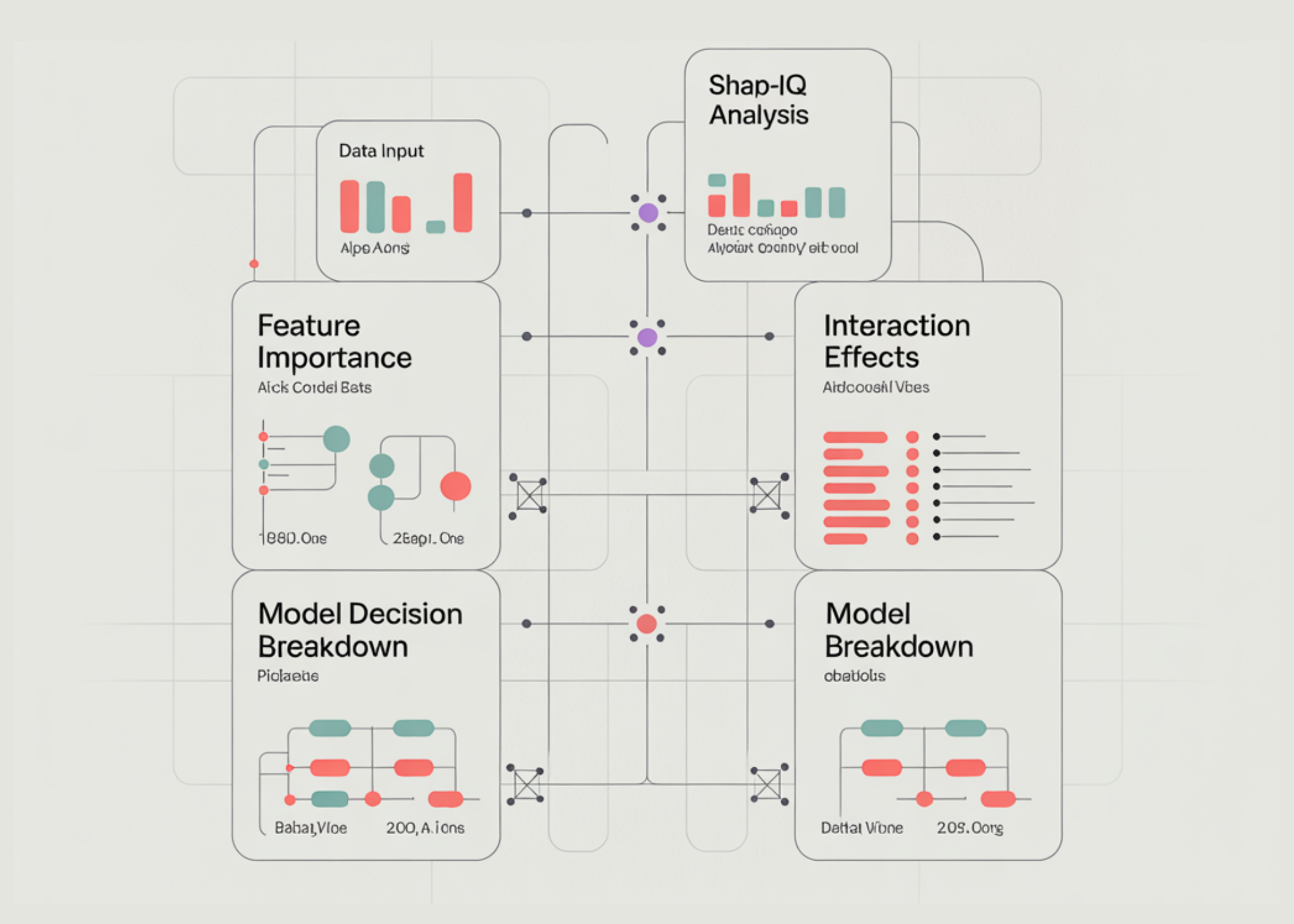
In this tutorial, we build an advanced explainable AI analysis pipeline using SHAP-IQ to understand both feature importance and interaction effects directly inside our Python environment. We load a real-world dataset, train a high-performance Random Forest model, and then apply the SHAP-IQ interaction index to compute precise, theoretically grounded explanations of model predictions. We extract main effects, pairwise interaction effects, and decision breakdown contributions, and we present them through structured terminal outputs and interactive Plotly visualizations. Also, we move beyond basic explainability and gain deep insight into how individual features and their interactions influence model decisions at both the local and global levels.
import sys, subprocess, textwrap, numpy as np, pandas as pd def _pip(*pkgs): subprocess.run([sys.executable, "-m", "pip", "install", "-q", *pkgs], check=False) _pip("shapiq", "plotly", "pandas", "numpy", "scikit-learn") import plotly.express as px import plotly.graph_objects as go import plotly.io as pio import shapiq from sklearn.ensemble import RandomForestRegressor from sklearn.model_selection import train_test_split try: pio.renderers.default = "colab" except Exception: pass RANDOM_STATE = 42 INDEX = "SII" MAX_ORDER = 2 BUDGET_LOCAL = 512 TOP_K = 10 INSTANCE_I = 24 GLOBAL_ON = True GLOBAL_N = 40 BUDGET_GLOBAL = 256We install and import all the required libraries, including shapiq, Plotly, pandas, NumPy, and scikit-learn, ensuring our environment is fully prepared for explainable AI analysis. We configure Plotly to render visualizations directly in the notebook or terminal so we can view results without needing any external dashboard. We also define global configuration parameters, such as the interaction index, explanation budget, and global analysis settings, to control the depth, accuracy, and performance of our explainability pipeline.
def extract_main_effects(iv, feature_names): d = iv.dict_values vals = [float(d.get((i,), 0.0)) for i in range(len(feature_names))] return pd.Series(vals, index=list(feature_names), name="main_effect") def extract_pair_matrix(iv, feature_names): d = iv.dict_values n = len(feature_names) M = np.zeros((n, n), dtype=float) for k, v in d.items(): if isinstance(k, tuple) and len(k) == 2: i, j = k M[i, j] = float(v) M[j, i] = float(v) return pd.DataFrame(M, index=list(feature_names), columns=list(feature_names)) def ascii_bar(series, width=28, top_k=10): s = series.abs().sort_values(ascending=False).head(top_k) m = float(s.max()) if len(s) else 1.0 lines = [] for name, val in s.items(): n = int((abs(val) / m) * width) if m > 0 else 0 lines.append(f"{name:>18} | {'█'*n}{' '*(width-n)} | {val:+.6f}") return "n".join(lines)We implement utility functions that extract the main effects and pairwise interaction effects from the SHAP-IQ InteractionValues object. We convert the raw explanation output into structured Pandas objects, allowing us to analyze feature contributions in a clear, organized manner. We also create an ASCII visualization function that lets us interpret feature importance directly in the terminal without relying on graphical interfaces.
def plot_local_feature_bar(main_effects, top_k): df = main_effects.abs().sort_values(ascending=False).head(top_k).reset_index() df.columns = ["feature", "abs_main_effect"] fig = px.bar(df, x="abs_main_effect", y="feature", orientation="h", title="Local Feature Importance (|Main Effects|)") fig.update_layout(yaxis={"categoryorder": "total ascending"}) return fig def plot_local_interaction_heatmap(pair_df, top_features): sub = pair_df.loc[top_features, top_features] fig = px.imshow(sub.values, x=sub.columns, y=sub.index, aspect="auto", title="Local Pairwise Interaction Importance (values)") return fig def plot_waterfall(baseline, main_effects, top_k): contrib = main_effects.copy() top = contrib.reindex(contrib.abs().sort_values(ascending=False).head(top_k).index) remainder = float(contrib.sum() - top.sum()) labels = ["baseline"] + list(top.index) + (["others"] if abs(remainder) > 1e-12 else []) + ["prediction"] measures = ["absolute"] + ["relative"] * len(top) + (["relative"] if abs(remainder) > 1e-12 else []) + ["total"] y = [0.0] + [float(v) for v in top.values] + ([float(remainder)] if abs(remainder) > 1e-12 else []) + [0.0] fig = go.Figure(go.Waterfall(x=labels, y=y, measure=measures, orientation="v", connector={"line": {"width": 1}})) fig.update_layout(title="Decision Breakdown (Baseline → Prediction via Main Effects)", showlegend=False) return figWe use Plotly to visualize feature importance, interaction strength, and decision breakdown. We create a bar chart to visualize feature importance, a heatmap to show pairwise interaction effects, and a waterfall plot to illustrate how individual features contribute to the final prediction. These visualizations allow us to transform raw explainability data into intuitive graphical insights that make model behavior easier to understand.
def global_summaries(explainer, X_samples, feature_names, budget, seed=123): main_abs = np.zeros(len(feature_names), dtype=float) pair_abs = np.zeros((len(feature_names), len(feature_names)), dtype=float) for t, x in enumerate(X_samples): iv = explainer.explain(x, budget=int(budget), random_state=int(seed + t)) main = extract_main_effects(iv, feature_names).values pair = extract_pair_matrix(iv, feature_names).values main_abs += np.abs(main) pair_abs += np.abs(pair) main_abs /= max(1, len(X_samples)) pair_abs /= max(1, len(X_samples)) main_df = pd.DataFrame({"feature": feature_names, "mean_abs_main_effect": main_abs}).sort_values("mean_abs_main_effect", ascending=False) pair_df = pd.DataFrame(pair_abs, index=feature_names, columns=feature_names) return main_df, pair_df X, y = shapiq.load_california_housing() feature_names = list(X_train.columns) n_features = len(feature_names) model = RandomForestRegressor( n_estimators=400, max_depth=max(3, n_features), max_features=2/3, max_samples=2/3, random_state=RANDOM_STATE, n_jobs=-1 ) model.fit(X_train.values, y_train.values) explainer = shapiq.TabularExplainer( model=model.predict, data=X_train.values, index=INDEX, max_order=int(MAX_ORDER), ) We define a global explainability function that aggregates feature importance and interaction strength across multiple samples to identify overall model behavior. We load the dataset, split it into training and testing sets, and train a Random Forest model to serve as the predictive system we want to explain. We then initialize the SHAP-IQ explainer, which enables us to compute precise, theoretically grounded explanations for the model’s predictions.
INSTANCE_I = int(np.clip(INSTANCE_I, 0, len(X_test)-1)) x = X_test.iloc[INSTANCE_I].values y_true = float(y_test.iloc[INSTANCE_I]) pred = float(model.predict([x])[0]) iv = explainer.explain(x, budget=int(BUDGET_LOCAL), random_state=0) baseline = float(getattr(iv, "baseline_value", 0.0)) main_effects = extract_main_effects(iv, feature_names) pair_df = extract_pair_matrix(iv, feature_names) print("n" + "="*90) print("LOCAL EXPLANATION (single test instance)") print("="*90) print(f"Index={INDEX} | max_order={MAX_ORDER} | budget={BUDGET_LOCAL} | instance={INSTANCE_I}") print(f"Prediction: {pred:.6f} | True: {y_true:.6f} | Baseline (if available): {baseline:.6f}") print("nTop main effects (signed):") display(main_effects.reindex(main_effects.abs().sort_values(ascending=False).head(TOP_K).index).to_frame()) print("nASCII view (signed main effects, top-k):") print(ascii_bar(main_effects, top_k=TOP_K)) print("nTop pairwise interactions by |value| (local):") pairs = [] for i in range(n_features): for j in range(i+1, n_features): v = float(pair_df.iat[i, j]) pairs.append((feature_names[i], feature_names[j], v, abs(v))) pairs_df = pd.DataFrame(pairs, columns=["feature_i", "feature_j", "interaction", "abs_interaction"]).sort_values("abs_interaction", ascending=False).head(min(25, len(pairs))) display(pairs_df) fig1 = plot_local_feature_bar(main_effects, TOP_K) fig2 = plot_local_interaction_heatmap(pair_df, list(main_effects.abs().sort_values(ascending=False).head(TOP_K).index)) fig3 = plot_waterfall(baseline, main_effects, TOP_K) fig1.show() fig2.show() fig3.show() if GLOBAL_ON: print("n" + "="*90) print("GLOBAL SUMMARIES (sampled over multiple test points)") print("="*90) GLOBAL_N = int(np.clip(GLOBAL_N, 5, len(X_test))) sample = X_test.sample(n=GLOBAL_N, random_state=1).values global_main, global_pair = global_summaries( explainer=explainer, X_samples=sample, feature_names=feature_names, budget=int(BUDGET_GLOBAL), seed=123, ) print(f"Samples={GLOBAL_N} | budget/sample={BUDGET_GLOBAL}") print("nGlobal feature importance (mean |main effect|):") display(global_main.head(TOP_K)) top_feats_global = list(global_main["feature"].head(TOP_K).values) sub = global_pair.loc[top_feats_global, top_feats_global] figg1 = px.bar(global_main.head(TOP_K), x="mean_abs_main_effect", y="feature", orientation="h", title="Global Feature Importance (mean |main effect|, sampled)") figg1.update_layout(yaxis={"categoryorder": "total ascending"}) figg2 = px.imshow(sub.values, x=sub.columns, y=sub.index, aspect="auto", title="Global Pairwise Interaction Importance (mean |interaction|, sampled)") figg1.show() figg2.show() print("nDone. If you want it faster: lower budgets or GLOBAL_N, or set MAX_ORDER=1.") We generate local explanations for a specific prediction by computing main effects and interaction effects using SHAP-IQ. We display structured tables, ASCII summaries, and interactive visualizations that show how features and their interactions influence the model’s decision. We also compute global summaries across multiple samples, enabling us to identify overall feature importance and interaction patterns across the entire model.
In conclusion, we implemented a complete explainable AI workflow powered by SHAP-IQ, enabling us to quantify feature, interaction, and decision contributions in a rigorous and interpretable way. We analyzed individual predictions to understand the reasoning behind model outputs and extended this analysis to global summaries to identify overall patterns of feature influence. We visualized explanations using both structured tables and interactive plots, allowing us to interpret complex model behavior with clarity and precision.
Check out the Full Codes here. Also, feel free to follow us on Twitter and don’t forget to join our 120k+ ML SubReddit and Subscribe to our Newsletter. Wait! are you on telegram? now you can join us on telegram as well.

Michal Sutter
Michal Sutter is a data science professional with a Master of Science in Data Science from the University of Padova. With a solid foundation in statistical analysis, machine learning, and data engineering, Michal excels at transforming complex datasets into actionable insights.