Source: MarkTechPost
For the modern AI developer productivity is often tied to a physical location. You likely have a ‘Big Rig’ at home or the office—a workstation humming with NVIDIA RTX cards—and a ‘Travel Rig,’ a sleek laptop that’s perfect for coffee shops but struggles to run even a quantized Llama-3 variant.
Until now, bridging that gap meant venturing into the ‘networking dark arts.’ You either wrestled with brittle SSH tunnels, exposed private APIs to the public internet, or paid for cloud GPUs while your own hardware sat idle.
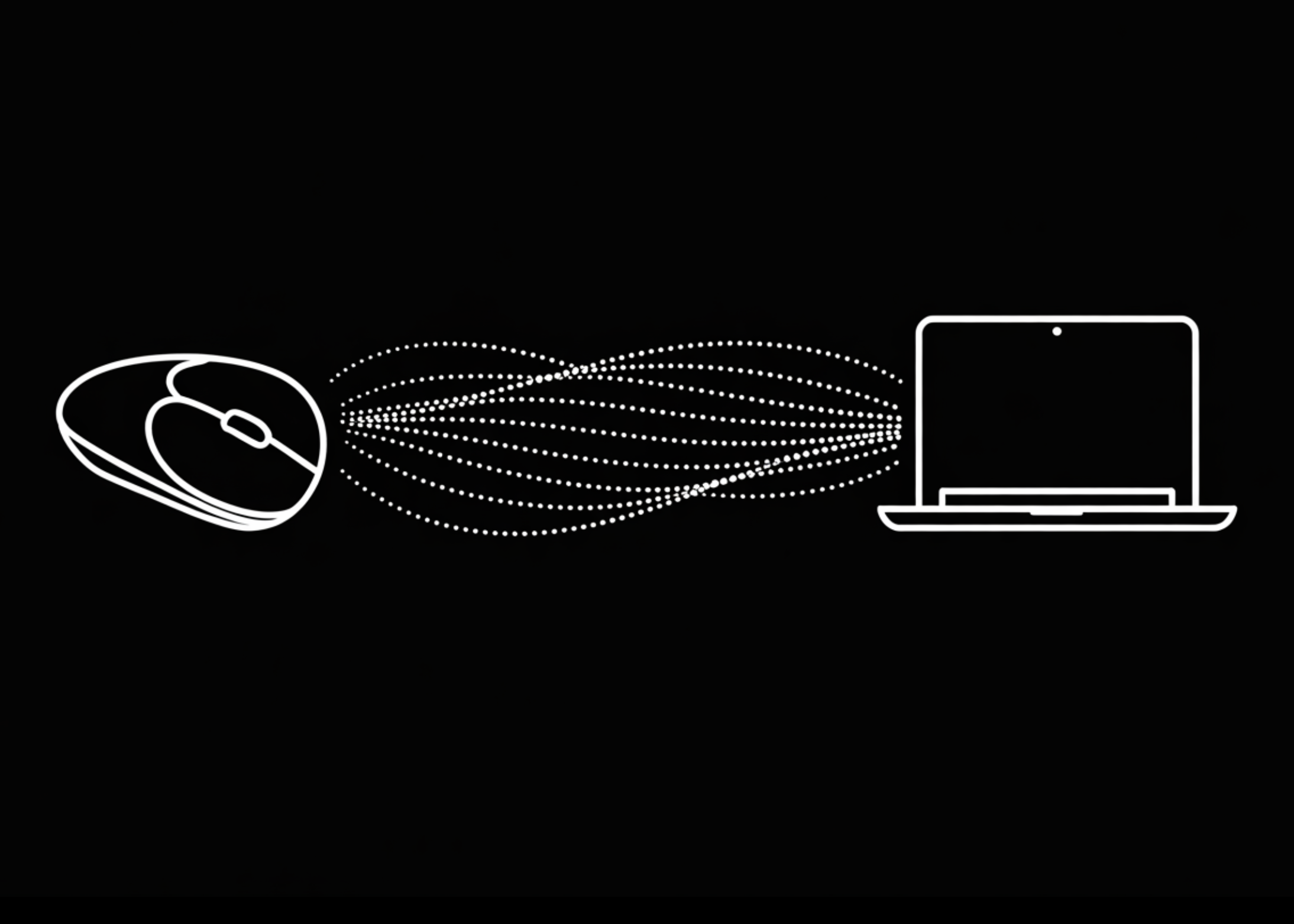
This week, LM Studio and Tailscale launched LM Link, a feature that treats your remote hardware as if it were plugged directly into your laptop.
The Problem: API Key Sprawl and Public Exposure
Running LLMs locally offers privacy and zero per-token costs, but mobility remains the bottleneck. Traditional remote access requires a public endpoint, which creates two massive headaches:
- Security Risk: Opening ports to the internet invites constant scanning and potential exploitation.
- API Key Sprawl: Managing static tokens across various environments is a secret-management nightmare. One leaked
.envfile can compromise your entire inference server.
The Solution: Identity-Based Inference
LM Link replaces public gateways with a private, encrypted tunnel. The architecture is built on identity-based access—your LM Studio and Tailscale credentials act as the gatekeeper.
Because the connection is peer-to-peer and authenticated via your account, there are no public endpoints to attack and no API keys to manage. If you are logged in, the model is available. If you aren’t, the host machine simply doesn’t exist to the outside world.
Under the Hood: Userspace Networking with tsnet
The ‘magic’ that allows LM Link to bypass firewalls without configuration is Tailscale. Specifically, LM Link integrates tsnet, a library version of Tailscale that runs entirely in userspace.
Unlike traditional VPNs that require kernel-level permissions and alter your system’s global routing tables, tsnet allows LM Studio to function as a standalone node on your private ‘tailnet.’
- Encryption: Every request is wrapped in WireGuard® encryption.
- Privacy: Prompts, response inferences, and model weights are sent point-to-point. Neither Tailscale nor LM Studio’s backend can ‘see’ the data.
- Zero-Config: It works across CGNAT and corporate firewalls without manual port forwarding.
The Workflow: A Unified Local API
The most impressive part of LM Link is how it handles integration. You don’t have to rewrite your Python scripts or change your LangChain configurations when switching from local to remote hardware.
- On the Host: You load your heavy models (like a GPT-OSS 120B) and run
lms link enablevia the CLI (or toggle it in the app). - On the Client: You open LM Studio and log in. The remote models appear in your library alongside your local ones.
- The Interface: LM Studio serves these remote models via its built-in local server at
localhost:1234.
This means you can point any tool—Claude Code, OpenCode, or your own custom SDK—to your local port. LM Studio handles the heavy lifting of routing that request through the encrypted tunnel to your high-VRAM machine, wherever it is in the world.
Key Takeaways
- Seamless Remote Inference: LM Link allows you to load and use LLMs hosted on remote hardware (like a dedicated home GPU rig) as if they were running natively on your current device, effectively bridging the gap between mobile laptops and high-VRAM workstations.
- Zero-Config Networking with
tsnet: By leveraging Tailscale’stsnetlibrary, LM Link operates entirely in userspace. This enables secure, peer-to-peer connections that bypass firewalls and NAT without requiring complex manual port forwarding or kernel-level networking changes. - Elimination of API Key Sprawl: Access is governed by identity-based authentication through your LM Studio account. This removes the need to manage, rotate, or secure static API keys, as the network itself ensures only authorized users can reach the inference server.
- Hardened Privacy and Security: All traffic is end-to-end encrypted via the WireGuard® protocol. Data—including prompts and model weights—is sent directly between your devices; neither Tailscale nor LM Studio can access the content of your AI interactions.
- Unified Local API Surface: Remote models are served through the standard
localhost:1234endpoint. This allows existing workflows, developer tools, and SDKs to use remote hardware without any code changes—simply point your application to your local port and LM Studio handles the routing.
Check out the Technical details. Also, feel free to follow us on Twitter and don’t forget to join our 120k+ ML SubReddit and Subscribe to our Newsletter. Wait! are you on telegram? now you can join us on telegram as well.